
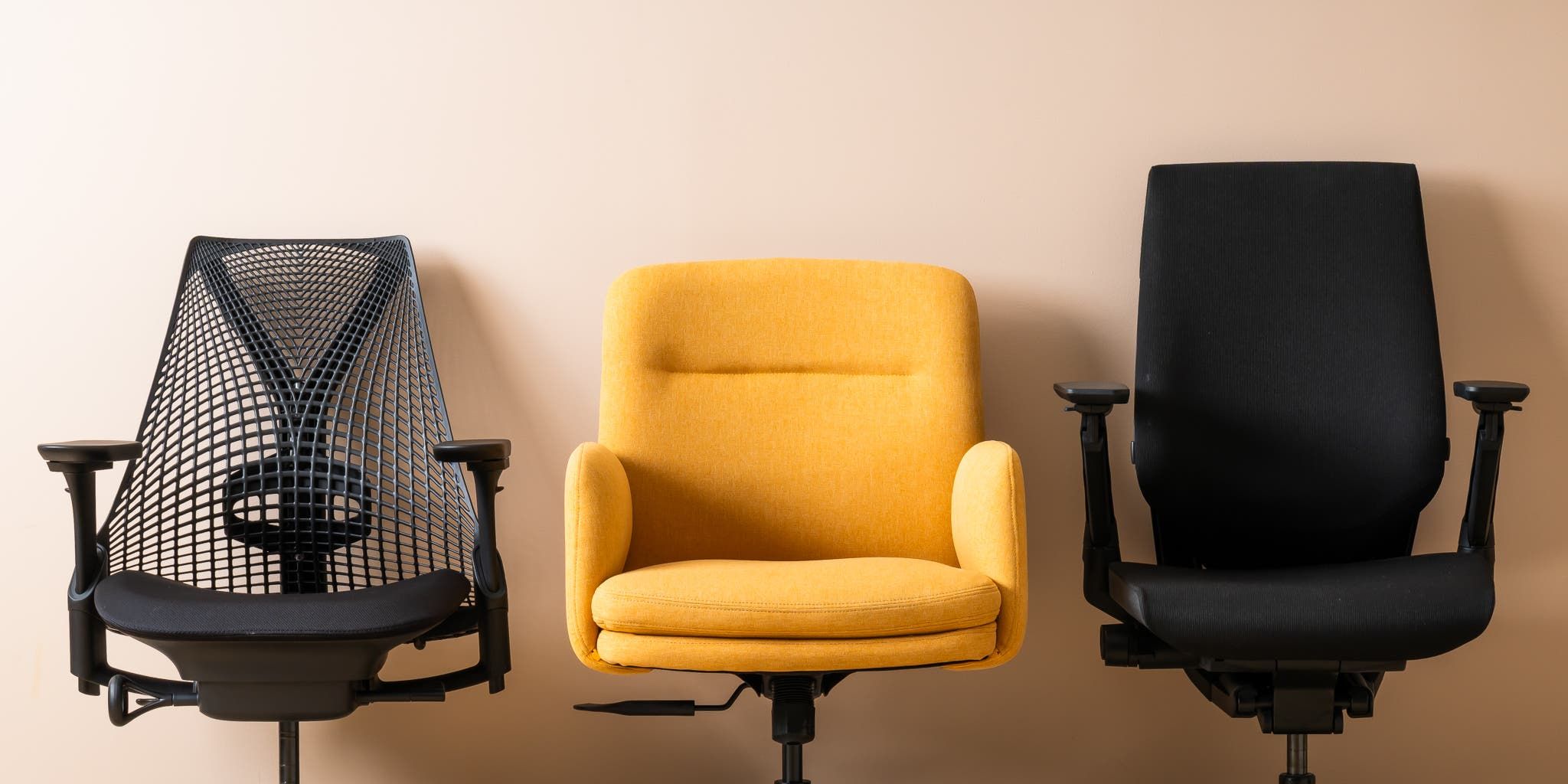
Task chairs and office chairs both roll, swivel, and sit a person at a desk, but they are engineered for different jobs. A task chair is built for short, focused work sessions and frequent movement between stations. A full ergonomic office chair is built for the marathon: four-plus-hour stretches at the same desk, where every adjustment matters. Picking the wrong one is the difference between a productive afternoon and a sore lower back at 4 p.m.
This guide breaks down the practical differences, when each shape makes sense, and what to look for before you buy.
Quick answer
- Choose a task chair if you move between zones, share the chair with others, work in short bursts, or need a compact footprint.
- Choose a full ergonomic office chair if you sit four-plus hours a day at the same desk, especially if you have back pain or are taller than average.
- "Task chair" and "office chair" are often used interchangeably in retail listings - the distinction below is about function, not just label.
What is a task chair?
A task chair is a mid-back, compact, highly mobile seat designed for short stints of focused work. Per Office Interiors, the defining traits are a swivel base on casters, height adjustment, and a back that supports the lumbar curve without committing to a full headrest.
Typical task-chair features:
- Mid-back support - to the shoulder blades, not the head
- Mesh or thin-foam seat for breathability and lower weight
- Pneumatic height adjustment as a baseline
- 2D or fixed arms, or no arms at all
- Compact footprint (smaller seat pan, smaller base)
The shape suits hot-desking, conference rooms, drafting stations, and home offices where the chair also doubles as the seat you pull up to the kitchen island for a quick call.
What is a full ergonomic office chair?
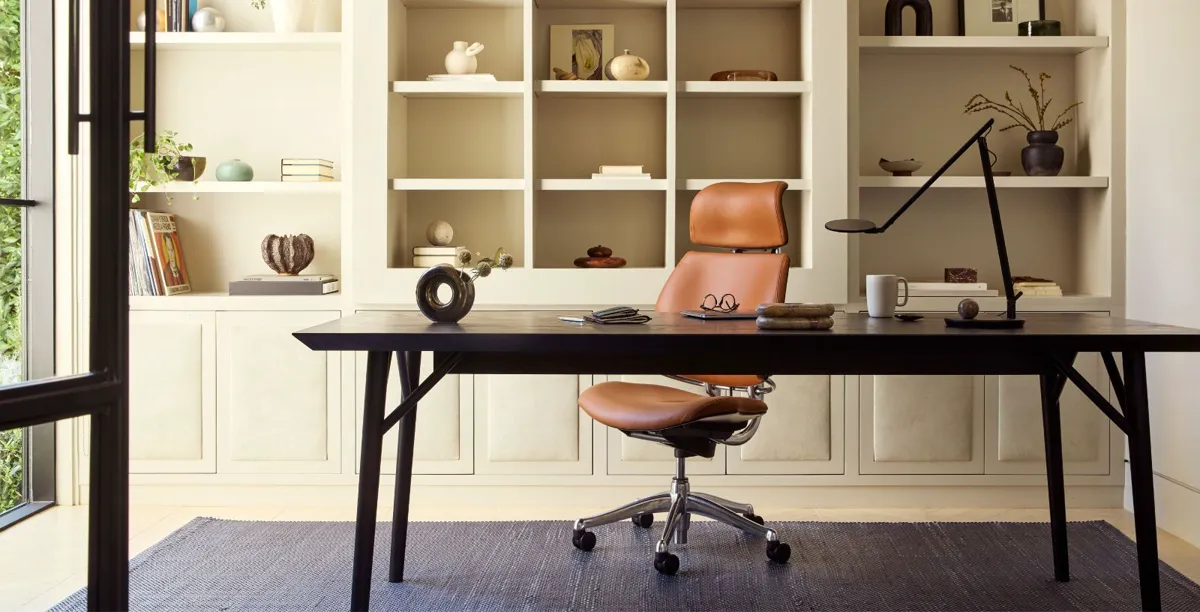
A full ergonomic office chair is the all-day workhorse. Compared with a task chair, it adds adjustability and support meant to keep one specific person comfortable across eight hours of seated work. Haworth frames it as the seat you buy when sitting is the job.
Typical ergonomic-office-chair features:
- High back with separate lumbar support, often adjustable
- Seat-depth slider to match thigh length
- 3D or 4D armrests (height, width, depth, pivot)
- Adjustable tilt tension and tilt lock, sometimes with a forward-tilt seat
- Heavier base and casters rated for higher weight capacity
- Optional headrest for reclined reading or calls
These are the chairs reviewed in the long-form roundups - Herman Miller Aeron, Steelcase Series 1, Steelcase Leap, Humanscale Freedom, Branch Ergonomic Chair, X-Chair, and similar.
How they differ in practice
The marketing copy blurs the line, so it helps to compare the shapes on the dimensions that actually drive comfort.
Backrest height. Task chairs stop at the shoulder blades. Office chairs continue up the upper back, and many add a separate or integrated headrest. If you recline to read or take calls, the higher back matters; if you stay upright at a keyboard, the lower back is fine.
Lumbar support. Task chairs use the curve of the back itself. Office chairs add an adjustable lumbar pad - height, depth, or both. For sustained sitting, an adjustable pad is the single biggest comfort upgrade.
Seat depth. Task chairs ship a fixed seat pan. Ergonomic office chairs add a slider so the seat can be shortened for shorter thighs or extended for taller users. This is the difference between numb hamstrings and not.
Armrests. Task arms are often fixed or 1D (height only). Ergonomic-chair arms move in three or four directions, which lets the shoulders relax instead of shrugging.
Tilt control. Task chairs use a single-spring synchro tilt. Office chairs add tension and lock points so you can sit upright when typing and recline 110-130 degrees on calls.
Footprint and weight. Task chairs are smaller, lighter, and easier to wheel between rooms. Office chairs are heavier and not designed to move around the house - they stay at one desk.
Price. Solid task chairs start around $150 (well-built, not the $50 Amazon shells), with most landing $200-$500. Ergonomic office chairs run $400 to $1,800+ for premium models. See current retailer pricing for exact figures; both categories have moved significantly since 2023.
Task chair strengths
- Compact footprint - fits in small home offices and shared rooms
- Lightweight, easy to wheel between workstations
- Affordable entry - solid options from around $150
- Clean mid-back aesthetic without a chunky high back
Task chair limits
- Limited adjustability - usually no seat-depth slider or 4D arms
- Less support for 6+ hour sessions or active back pain
- Few models include a headrest for reclined calls
- Fixed lumbar curve rather than an adjustable pad
When to pick each
Pick a task chair if
- You sit fewer than four hours a day at a single desk.
- The chair gets shared - guest room, conference room, hot desk.
- You have a small home office and need the smaller footprint.
- You move between standing and sitting frequently.
- You want a clean, modern look without a chunky high back.
Pick a full ergonomic office chair if
- You sit four-plus hours a day at the same workstation.
- You have current back pain, hip pain, or are recovering from an injury.
- You are taller than 6'1" or shorter than 5'4" - the extra adjustments matter.
- You take calls reclined or use the chair for reading as well as typing.
- You want one chair to last a decade. Aeron-class chairs come with 12-year warranties for a reason.
What to look for either way
These hold regardless of category. Skip a chair that fails any of them.
- BIFMA or equivalent safety certification - basic but worth checking.
- Pneumatic cylinder rated to at least 250 lb, ideally a Class 4 cylinder if you are heavier.
- Adjustable seat height that puts your feet flat on the floor with thighs roughly parallel to it.
- Lumbar support at or above the belt line - adjustable beats fixed.
- Casters matched to your floor - soft-wheel casters on hard floors, hard-wheel on carpet.
- Trial period or return policy - ergonomics are personal, and pictures lie.
Common questions
(Worth scanning before you buy.)
Frequently asked questions
Is a task chair the same as an office chair?
In retail listings the terms overlap, but functionally a task chair is built for short, mobile work and a full ergonomic office chair is built for all-day sitting at one desk. A task chair has a mid-back and fewer adjustments; an ergonomic office chair adds a high back, adjustable lumbar, seat-depth slider, and multi-direction armrests.
Can I use a task chair for eight hours a day?
You can, but you probably should not if you have a choice. The fixed seat depth and limited armrest range tend to surface as hip or shoulder fatigue after the first few hours. If you sit four-plus hours a day at the same desk, a full ergonomic office chair is the better long-term buy.
Are gaming chairs task chairs or office chairs?
Neither, strictly. Gaming chairs use a high-back, bucket-seat silhouette borrowed from racing seats. Most do not offer the seat-depth adjustment or lumbar pad of a true ergonomic chair, and the foam padding compresses faster than a mesh task chair. They are a style choice more than an ergonomic one.
What about an executive chair?
Executive chairs are the leather-and-padding cousin of ergonomic office chairs - large seat, high back, often a headrest, frequently fewer real adjustments than a Steelcase or Aeron despite the heftier look. Good for short meeting-heavy days, less ideal for keyboarding marathons.
How much should I spend on a task chair vs an office chair?
Plan on $150 to $500 for a solid task chair (the sub-$100 shells fail fast). Full ergonomic office chairs start around $400 for entry-level models like the Steelcase Series 1 and run to $1,800 or more for an Aeron or Leap. Treat it as a daily-use item amortized over five to ten years.