

If you spend more than two hours a day at a desk, the answer is almost always yes - but not for the reasons most blog posts give. The honest case for an office chair isn't comfort or productivity. It's load. Your spine, hips, and shoulder girdle are bearing weight for hours at a time, and a chair is the surface that decides how that weight is distributed. A dining chair, a sofa, or a kitchen stool will distribute it badly enough to cause symptoms within weeks for most people.
This guide answers the question for three real scenarios - full-time remote work, occasional desk work, and gaming/study setups - and gives you the criteria to pick a chair that actually earns the money.
The short answer, by scenario
4+ hours a day at a desk: Yes, a proper ergonomic task chair. This is the single highest-ROI piece of equipment in a home office. Below this threshold and you tolerate compromises; above it, the chair determines whether you finish the week with a stiff lower back.
1-3 hours a day, intermittent: A mid-range task chair or a well-adjusted dining chair with a lumbar pillow is enough. The geometry matters more than the brand. You want feet flat, knees roughly level with hips, elbows supported at 90°.
Gaming or long study sessions on weekends: Treat it like 4+ hours. Gaming chairs marketed with racing aesthetics are usually worse than a generic ergonomic task chair - bucket seats restrict hip mobility and the lumbar pillows are placed too high.

If you sit on a kitchen chair or a sofa for full-time work, you are not "saving money." You are deferring the cost into physical-therapy visits 18 months later.
What an office chair actually does for your body
The marketing language around ergonomic chairs is vague on purpose. Here is what is doing the work, mechanically:
Lumbar support holds the curve. The lower spine has a natural inward curve (lordosis). When you sit, the pelvis tilts backward and that curve flattens, which increases pressure on the L4-L5 disc by roughly 40% versus standing. A chair with adjustable lumbar support pushes the lower back forward enough to preserve the curve, keeping disc pressure closer to baseline.
Seat depth offloads the thighs. A seat pan that ends two to three finger-widths behind the knee lets the femurs rest along its length without cutting off circulation. Too long and you slouch forward to get your feet down; too short and you concentrate load on the back of the thighs.
Armrests unload the trapezius. Most neck and shoulder pain from desk work is upper-trap pain - the muscle that runs from neck to shoulder is holding up the weight of your arms eight hours a day. Armrests at the correct height (elbow at ~90°, shoulders relaxed) take that load off. Without them, the trap holds it.
A good tilt mechanism lets you move. The healthiest sitting posture is the next posture. Synchronous or independent recline mechanisms let you shift between upright and slight recline throughout the day, which keeps spinal load distributed instead of concentrated in one position.
None of this requires a $1,500 chair. It requires the chair to have these four things and for you to adjust them once, correctly, on day one.
When you need one
- 4+ hours/day at a desk (remote work, study, gaming)
- Existing back, neck, or hip pain that worsens by mid-afternoon
- Tall, short, or non-average proportions a fixed chair can't fit
- You're using a sofa, kitchen chair, or stool for full-time work
When you can skip one
- Under 1 hour/day at a desk on average
- You already own a well-adjusted chair with lumbar support
- A standing desk you genuinely use most of the day
The minimum spec to look for
Skip any chair that doesn't meet all four:
- Adjustable seat height with a pneumatic lift, enough range to get your feet flat and knees at 90°. For most adults this means a seat height range of roughly 16-21 inches.
- Adjustable lumbar support that moves up and down, not just in and out. Bodies are different shapes; a fixed lumbar bump that hits one person at L4 hits another at T12.
- Seat depth adjustment (sliding pan) or a seat that fits your femur length out of the box. Tall users especially need this.
- Height-adjustable armrests, ideally 4D (height + width + pivot + depth). Fixed armrests are worse than no armrests because they force compromise on the desk height.
A mesh back is a nice-to-have, not a requirement. Mesh helps thermoregulation but cheap mesh sags within a year. A well-cushioned foam back with breathable fabric outperforms cheap mesh.
How to set it up once, correctly
Most people buy a good chair and never adjust it past the height. The adjustments are the chair.
- Set seat height first. Feet flat on the floor, knees at or slightly below hip height. If your desk is too tall to type with elbows at 90°, raise the chair and add a footrest - don't lower the chair below proper hip height.
- Adjust seat depth. Sit all the way back. You should be able to fit two to three finger-widths between the back of your knee and the front of the seat.
- Set lumbar height. Move the lumbar pad up or down until it sits in the small of your back, just above the belt line. You should feel it gently pushing your lower back forward.
- Set armrest height. Shoulders relaxed, elbows at ~90°, forearms parallel to the floor. The armrests should just kiss the bottom of your forearms - not push them up.
- Set tilt tension. Loosen it until you can recline with light pressure. The chair should follow your body, not fight it.
Redo this if you switch desks, change shoes, or notice your back tightening up. Bodies change.
What about standing desks?
Standing desks don't replace an office chair - they replace sitting all day in the office chair. The clinical literature is consistent: the best position is the one you change frequently. A sit/stand desk lets you alternate every 30-60 minutes, which is better for circulation, focus, and lumbar load than either sitting or standing for eight straight hours.
If you can afford only one, buy the chair first. A bad standing desk plus a good chair is a recoverable setup. A great standing desk plus a bad chair still wrecks the four hours a day you spend sitting.
Caring for it so it lasts ten years
A decent office chair should last a decade. Most people get four years out of theirs because they never touch it after delivery.
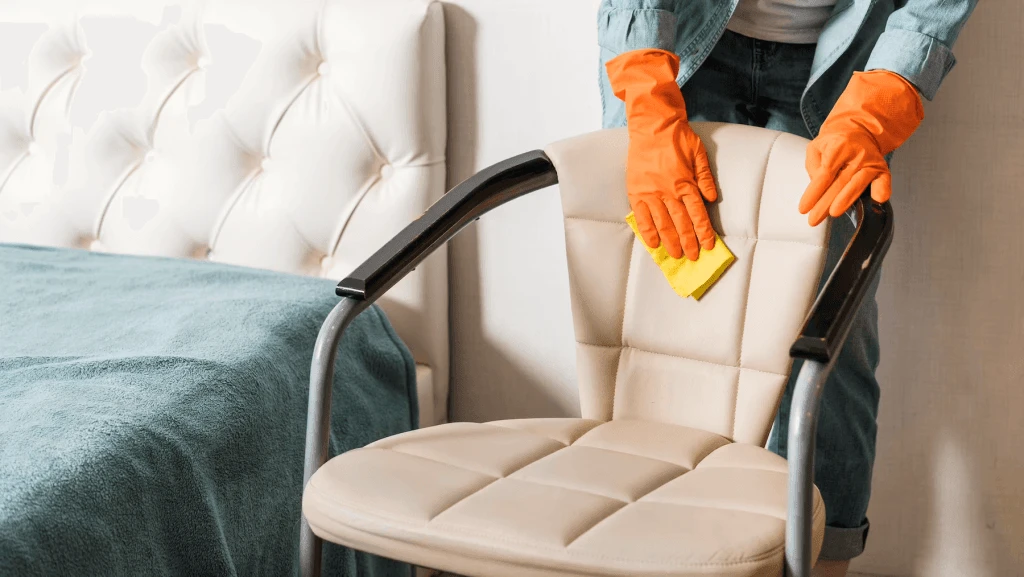
- Vacuum the seat and back fabric monthly. Crumbs and dust grind into the foam and accelerate wear.
- Wipe armrests and base with a damp microfiber cloth. Skin oils break down polyurethane armrest pads - replace them when they go shiny.
- Tighten visible bolts twice a year. The seat-to-mechanism bolts loosen with use; ten seconds with an Allen key prevents the "wobble" that makes people think the chair is dying.
- Clean and lubricate the casters annually. Hair and threads wrap around the axle. Pop the casters out (most pull straight off), pick out the debris, add a drop of light machine oil.
- Re-grease the gas lift if it starts dropping - most lifts are replaceable for $25-40 and don't require a new chair.
Fabric cleaning depends on material. Mesh: vacuum, spot-clean with mild soap. Bonded leather (avoid it on new purchases - it peels in 2-3 years): damp cloth only. Real leather: a leather conditioner twice a year. Polyester/wool blends: check the cleaning code on the tag (W for water, S for solvent, W/S for either, X for vacuum only).
Common questions
Is a gaming chair as good as an ergonomic office chair?
Usually no. Most gaming chairs use bucket seats borrowed from racing aesthetics, which restrict hip mobility, and the lumbar pillows are often positioned too high to support the actual lumbar spine. A generic ergonomic task chair at the same price almost always offers more support for prolonged sitting. Higher-end gaming chairs that mimic ergonomic task-chair geometry are fine.
Do I need a chair if I have a standing desk?
Yes. Standing desks work because they let you alternate positions every 30 to 60 minutes - they don't eliminate sitting. You still spend hours of every workday in the chair, and a bad chair undermines the half of the day you spend sitting in it. Buy the chair first if you can only afford one.
How much should I spend on an office chair?
For someone working 4+ hours a day, $300 to $600 buys a chair that hits the minimum spec and lasts a decade. Below $200 you generally lose either seat-depth adjustment or proper lumbar adjustment. Above $1,000 you are paying for materials and brand more than additional ergonomic function - though high-end chairs do typically last longer.
Can an office chair fix back pain?
A good chair can prevent and reduce mechanical back pain that comes from poor seated posture. It cannot fix pain caused by disc pathology, arthritis, or deconditioning on its own. If pain persists for more than two weeks after a proper chair setup, see a physical therapist or physician - the chair is doing its job; something else needs attention.
What chair height should I set?
Set it so your feet are flat on the floor and your knees are at or just below hip height, with your elbows at roughly 90° when typing. For most adults this lands between 17 and 19 inches of seat height. If the desk is too tall to type with relaxed shoulders, raise the chair and add a footrest rather than lowering the chair below proper hip height.